DTF halftones in one click
Several halftone techniques you can bake into your workflow with a single click.
Desktop software that works offline with your own files. Cleaning, upscaling, and DTG or DTF prep run locally—full control, no per-use fees.
Prep designs for DTG and DTF in one click
Desktop software that saves you time and money.
Each step flows in and merges into a single export. When you are done, your file is ready for the RIP.
Your print-ready file in one step
DTReady cleans and improves your designs with unlimited local AI—processed on your computer, not sent to the cloud, and with no per-run charges. Speed depends on your hardware, so you can use AI as much as you need.
Need it faster? Use our remote servers and specialized models when you want an extra boost.
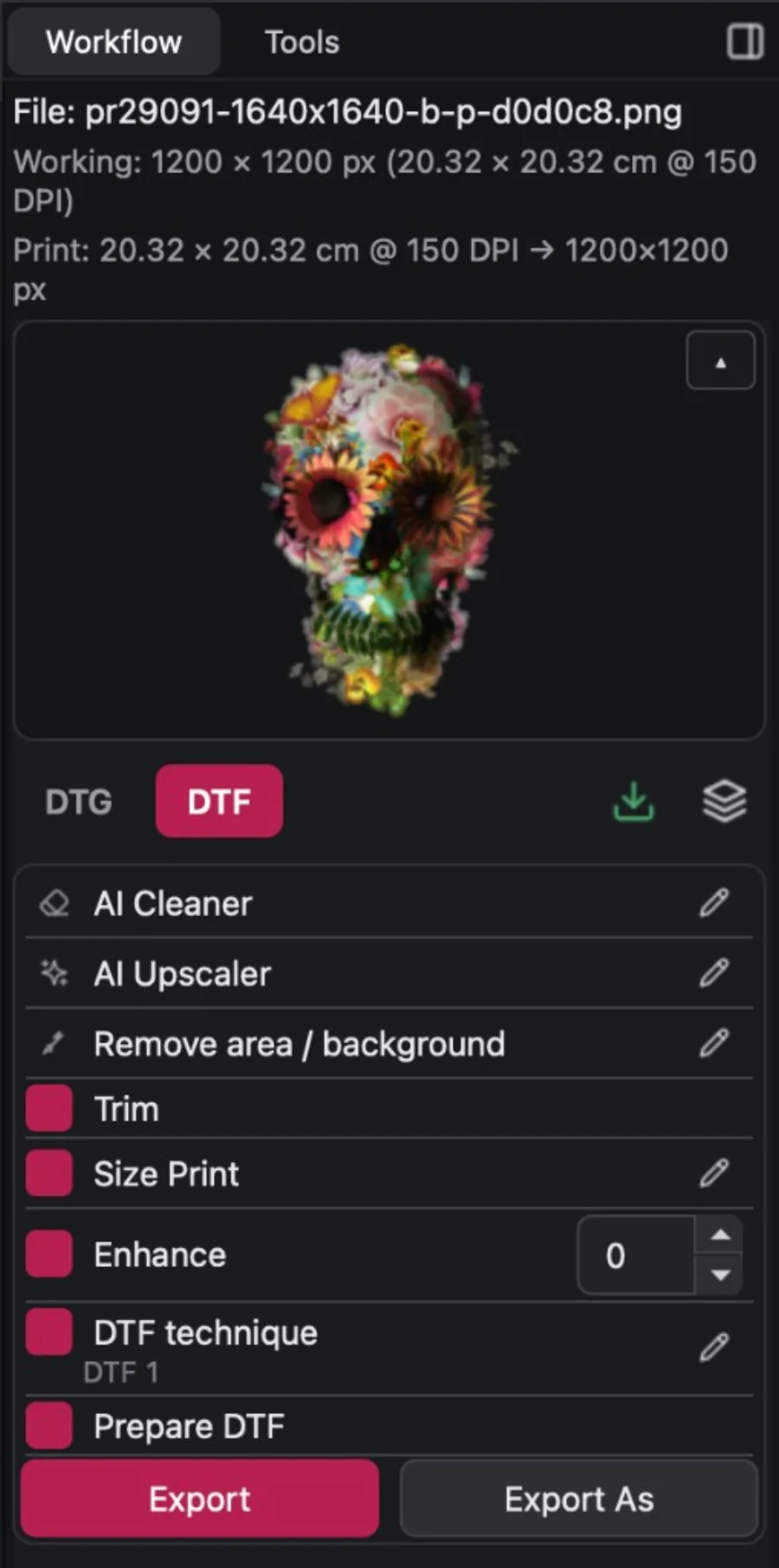
What used to be separate steps now runs in sequence on the same file. Pick the steps you want, and run them together.
Prep a design and export the full workflow. Save the session as .dtr and open it later to keep editing.
When it is not one file but fifty. Save workflows, load a batch, and export the lot.
Check layers, measurements, and resolution before you send anything to print.
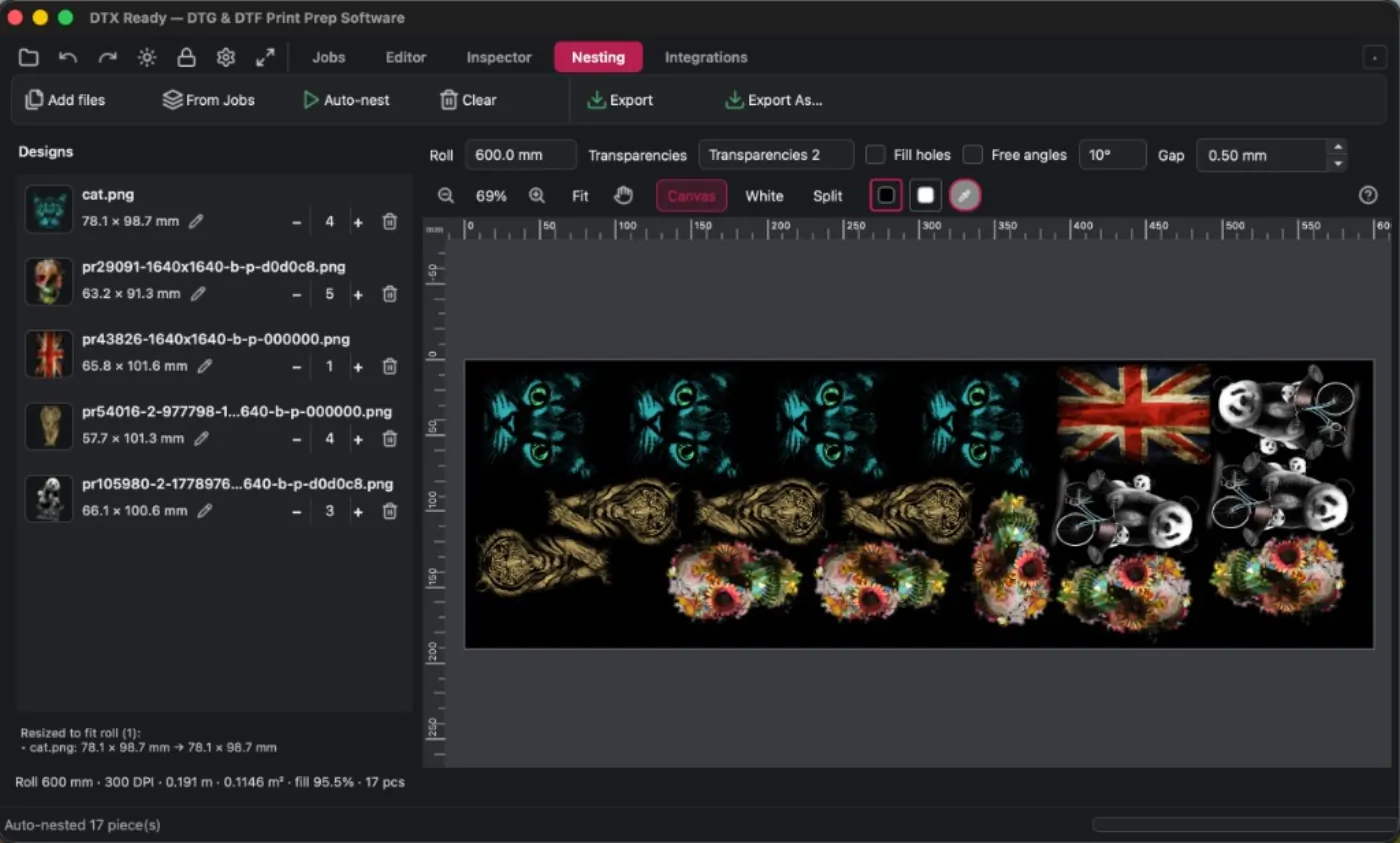
Lay out DTF Pet Film and waste less on every roll. Save the sheet as .ndtr and resume the layout whenever you want.
Everything you need to cut prep time in your shop
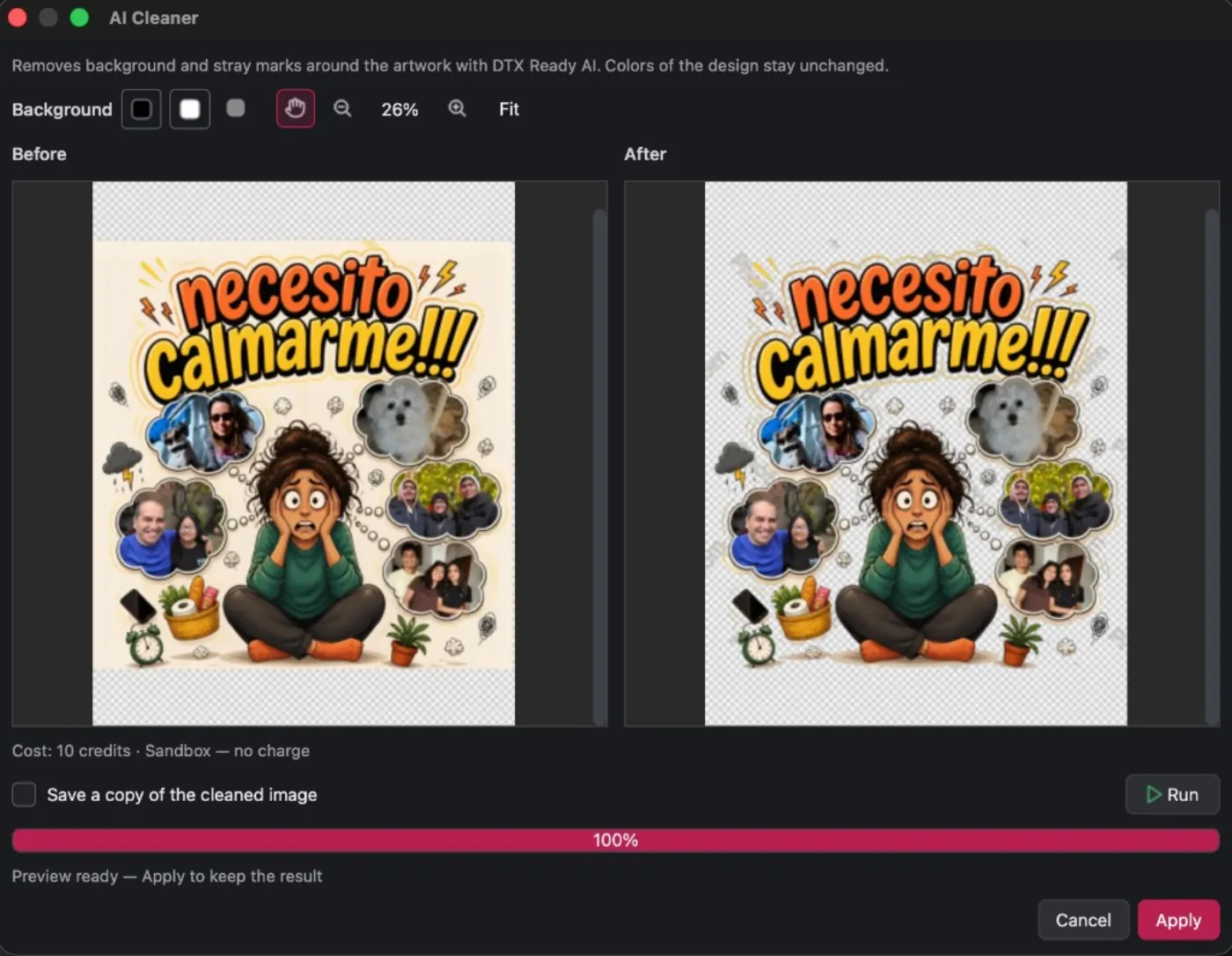
Remove backgrounds and stray pixels that should not end up on your garments or products.
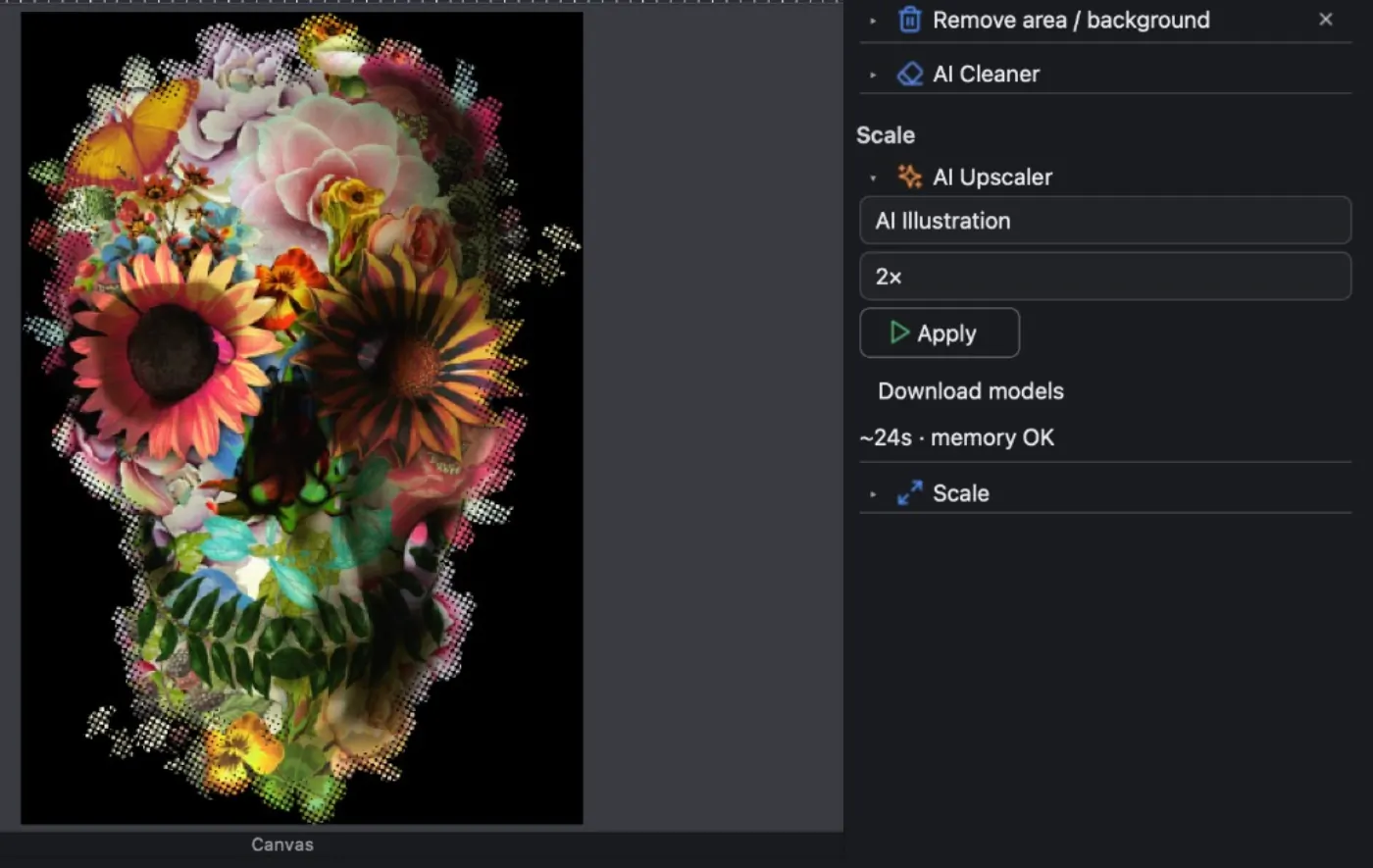
Upscale images 2× or 4× without losing detail.
Brush and erase tools for backgrounds and artifacts the AI missed.
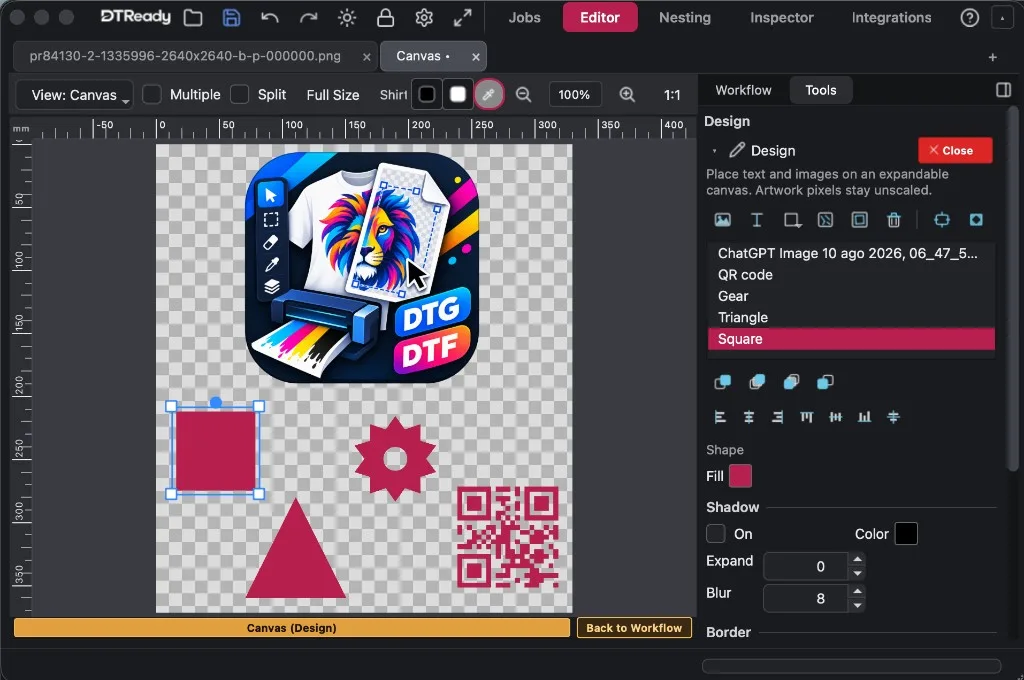
Design on the canvas: add images, shapes, textures, frames, and more.
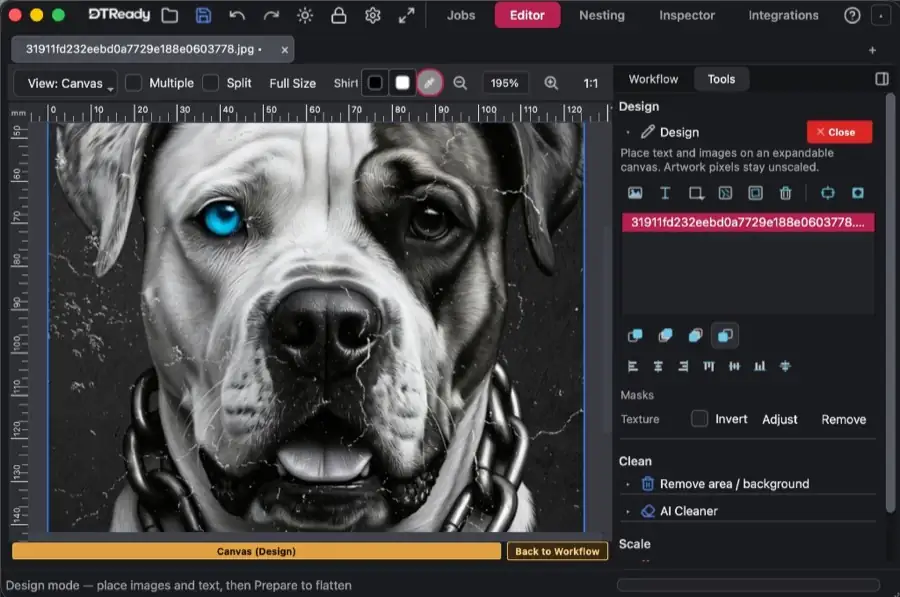
Apply textures and masks to your artwork—cracked, distressed, and more, print-ready.
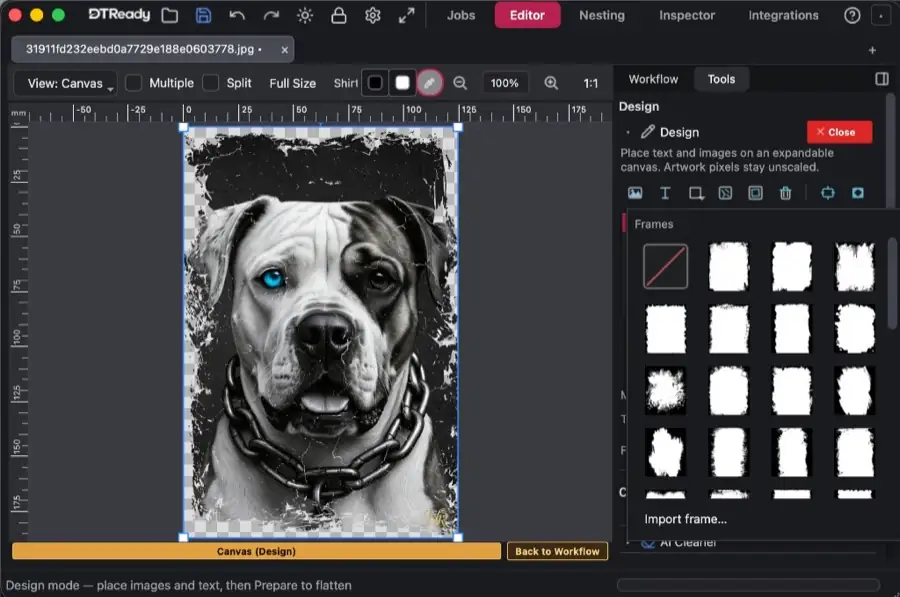
Apply artistic frames and edges to your images—torn, splatter, and more, print-ready.
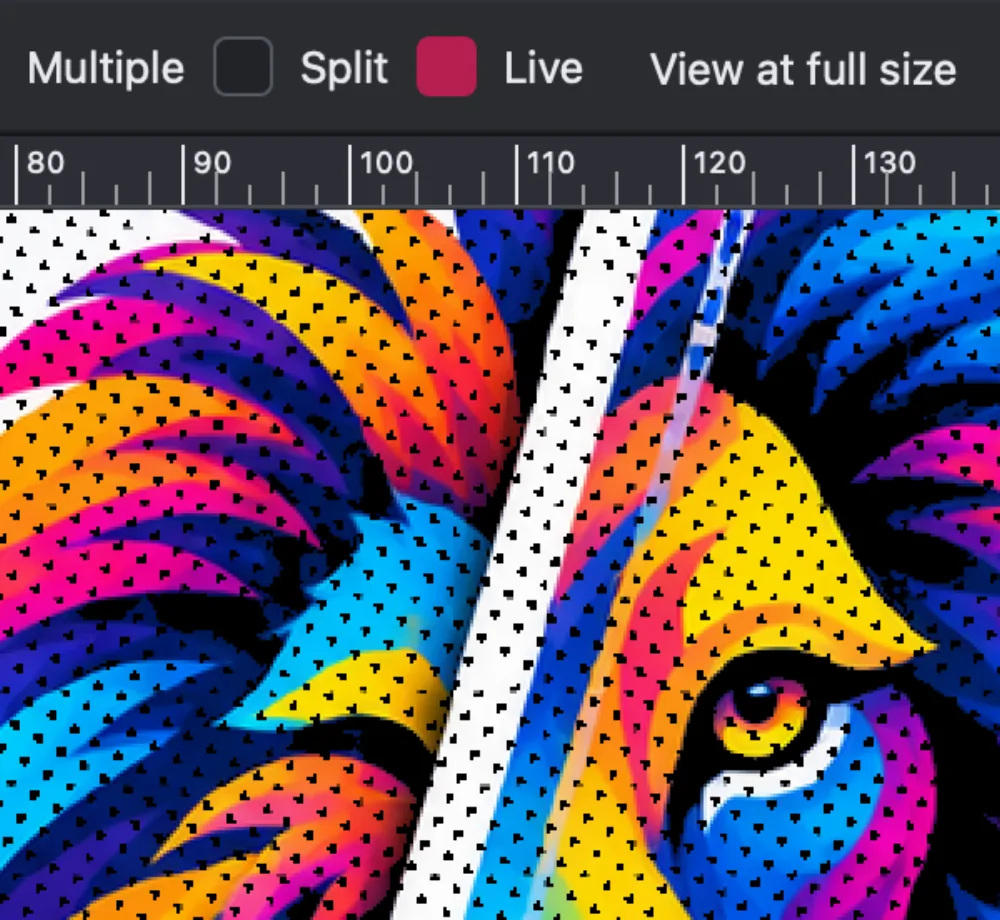
Built-in halftone styles ready to use—pick the one that fits your artwork.
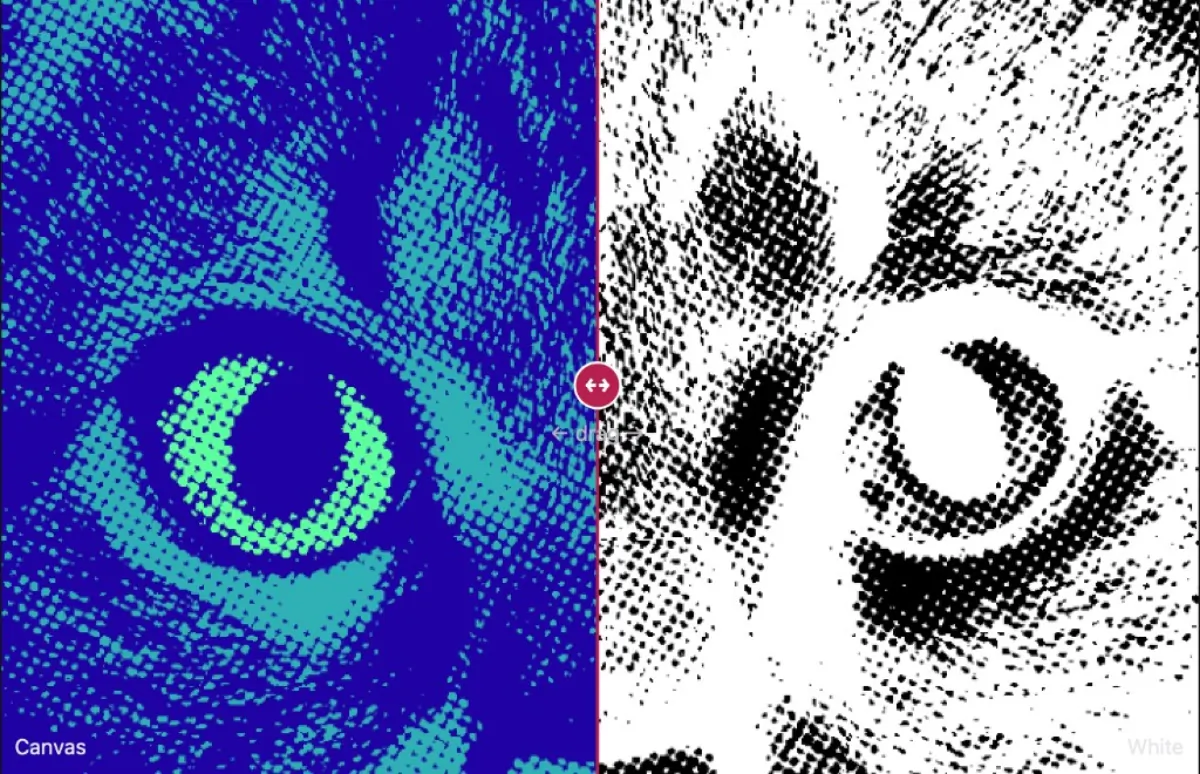
Keep only the printable artwork—no extra margins around the design.
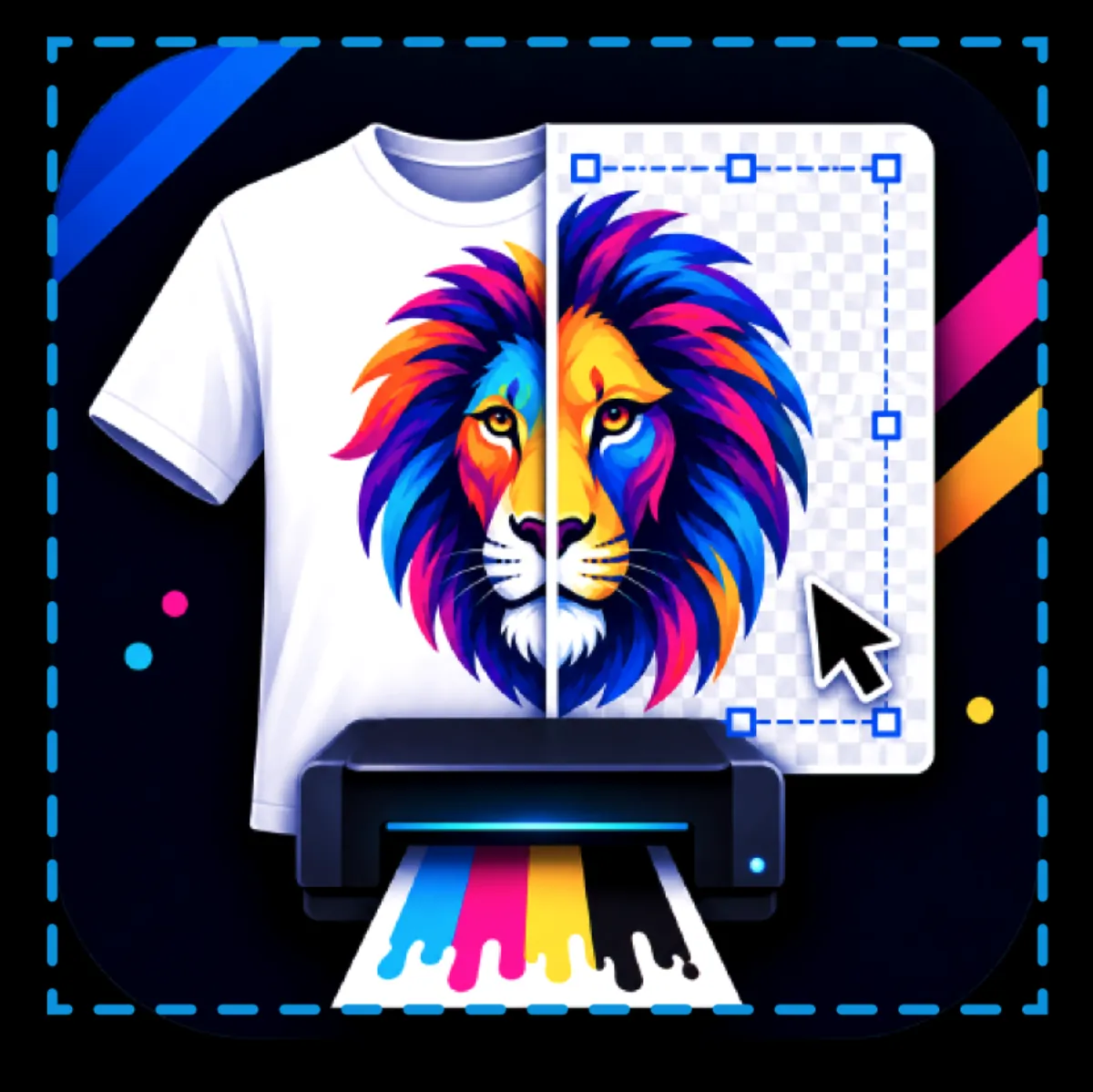
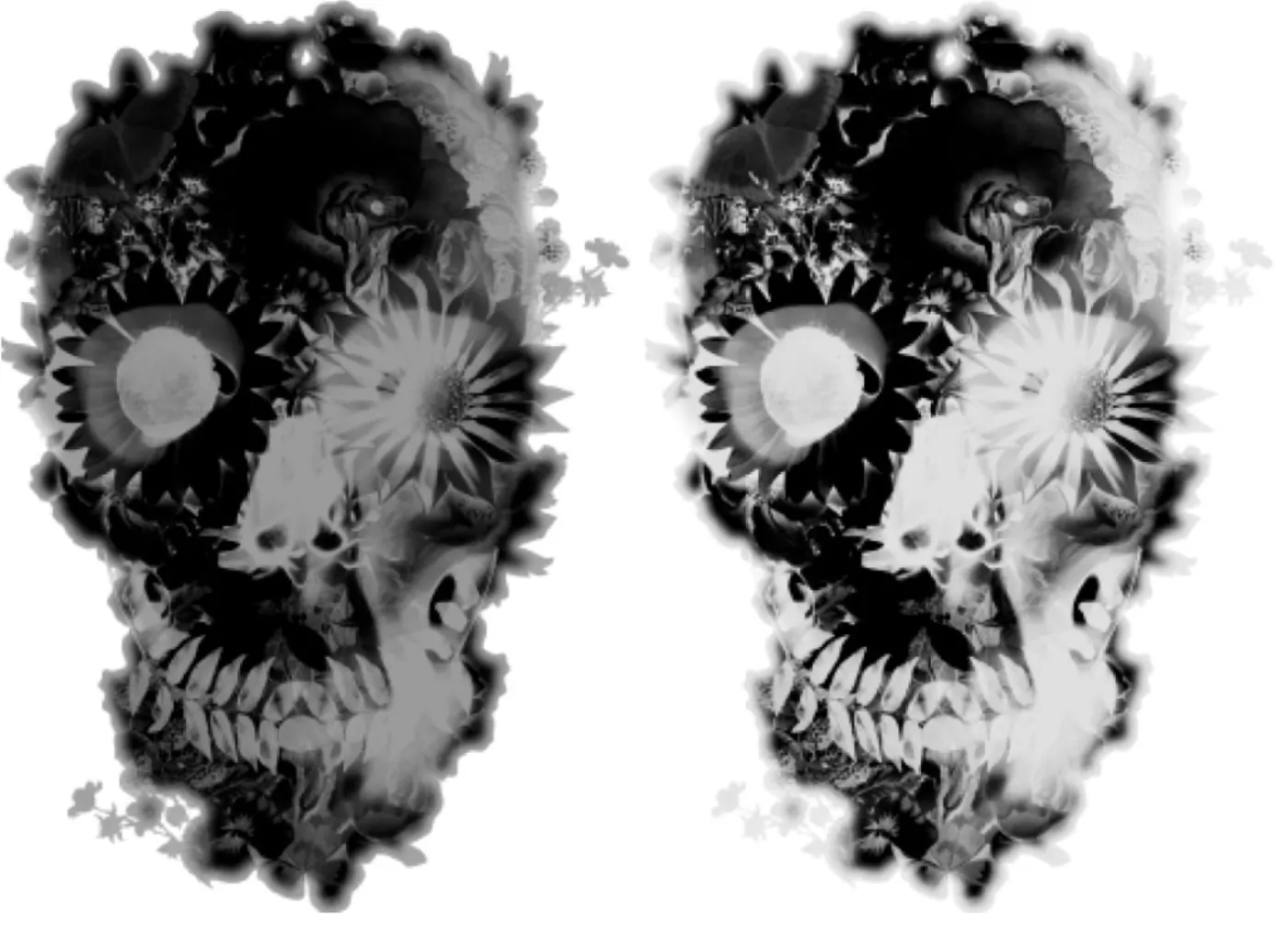
Reduce white ink where it matches the shirt color or sits on black areas.
Proprietary nesting algorithms to pack more prints per Pet Film.
The canvas works at real print size. White layer, halftones, and edges—all visible before export, not after a ruined garment.
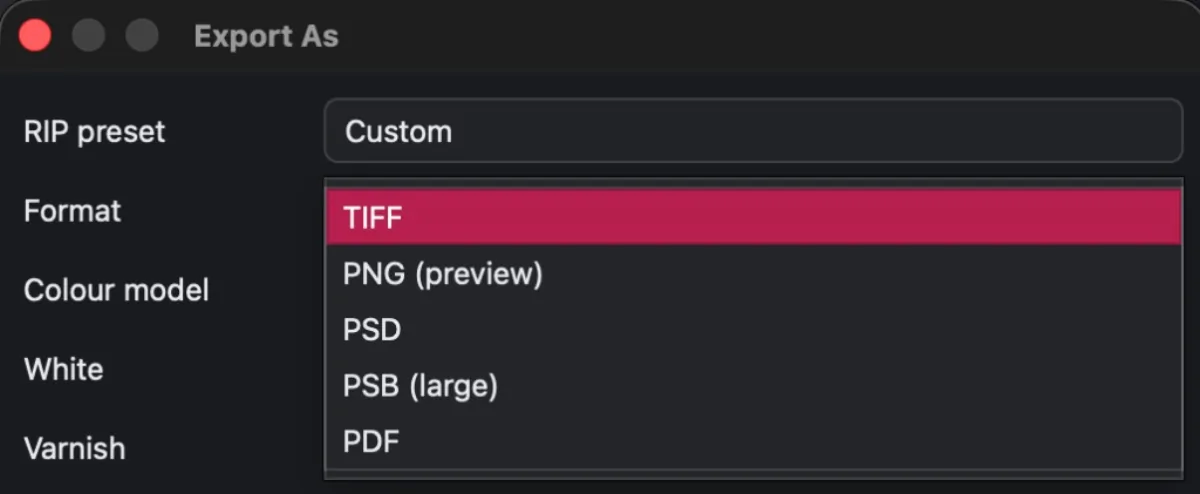
Import and export PNG, PDF, EPS, AI, PSD, and TIFF.
No. It prepares the file your RIP prints. You keep using the RIP you already have.
Yes. Download it free. You get 15 days with the full app on Mac or Windows, with your real files. After that, the program stays free with basic DTF options — lifetime access. You can also pick the technique and plan that fit (monthly, yearly, or one-time). Details are on Pricing.
Yes. DTReady is desktop software for Mac and Windows.
Yes. In the same app you prep DTF halftones, DTG white underbase, and Pet Film nesting.
Yes. In the Editor you save the session as .dtr and open it later to keep editing. In Nesting you save the sheet as .ndtr and resume the layout whenever you want.
A normal work machine is enough, even for AI upscaling.
No. Everything runs on your computer unless you choose cloud AI.
No. DTReady is a standalone app for Mac and Windows—you do not need Photoshop.